Does Warpinator Need Internet? Wi-Fi and Hotspot Transfers Explained
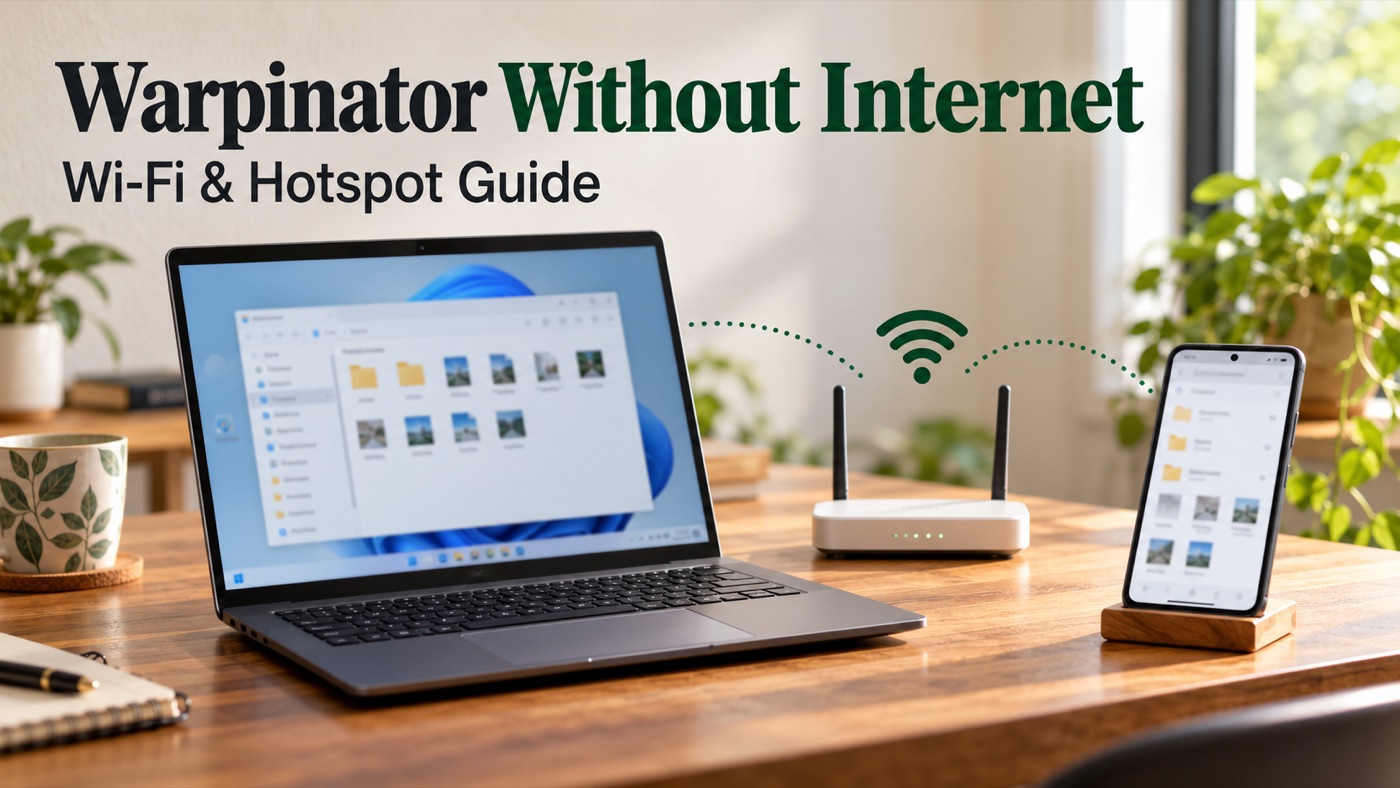
Warpinator without internet: laptop and Android phone connected through a local Wi-Fi router

Warpinator does not need an internet connection to transfer files between devices on a working local network. Your broadband can be down while the router still connects your laptop and phone. What matters is whether those devices can reach one another, not whether a website opens. A phone hotspot can provide that local connection too, … Read more
Why Warpinator Cannot Find Other Devices?

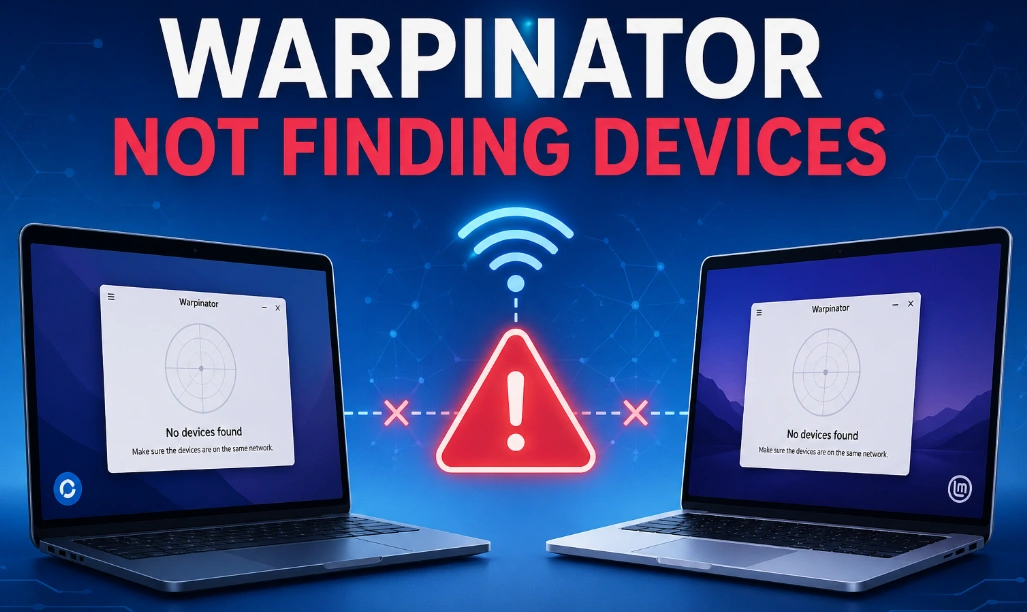
Why Warpinator Cannot Find Other Devices

If another device never appears in Warpinator, first separate a discovery problem from a connection problem. This guide is for the empty device list case. If the device is already listed, use the connection troubleshooting guide instead. Scope: Linux Warpinator and independently maintained compatible clients. Menu names and manual-connect features vary by implementation. The steps … Read more

Slow Warpinator Transfers: Measure Speed and Find the Bottleneck

warpinator network optimization

A slow Warpinator transfer can be limited by the network, the sending disk, the receiving storage, or the work needed to handle many files. Measure one repeatable transfer before changing settings. This guide provides a comparison method; it does not publish device benchmarks. Build a useful baseline Choose a non-sensitive file large enough that a … Read more